Practice Management · 21 min read
11 Powerful Benefits of Nutrition Practice Management Software for Modern Dietitians
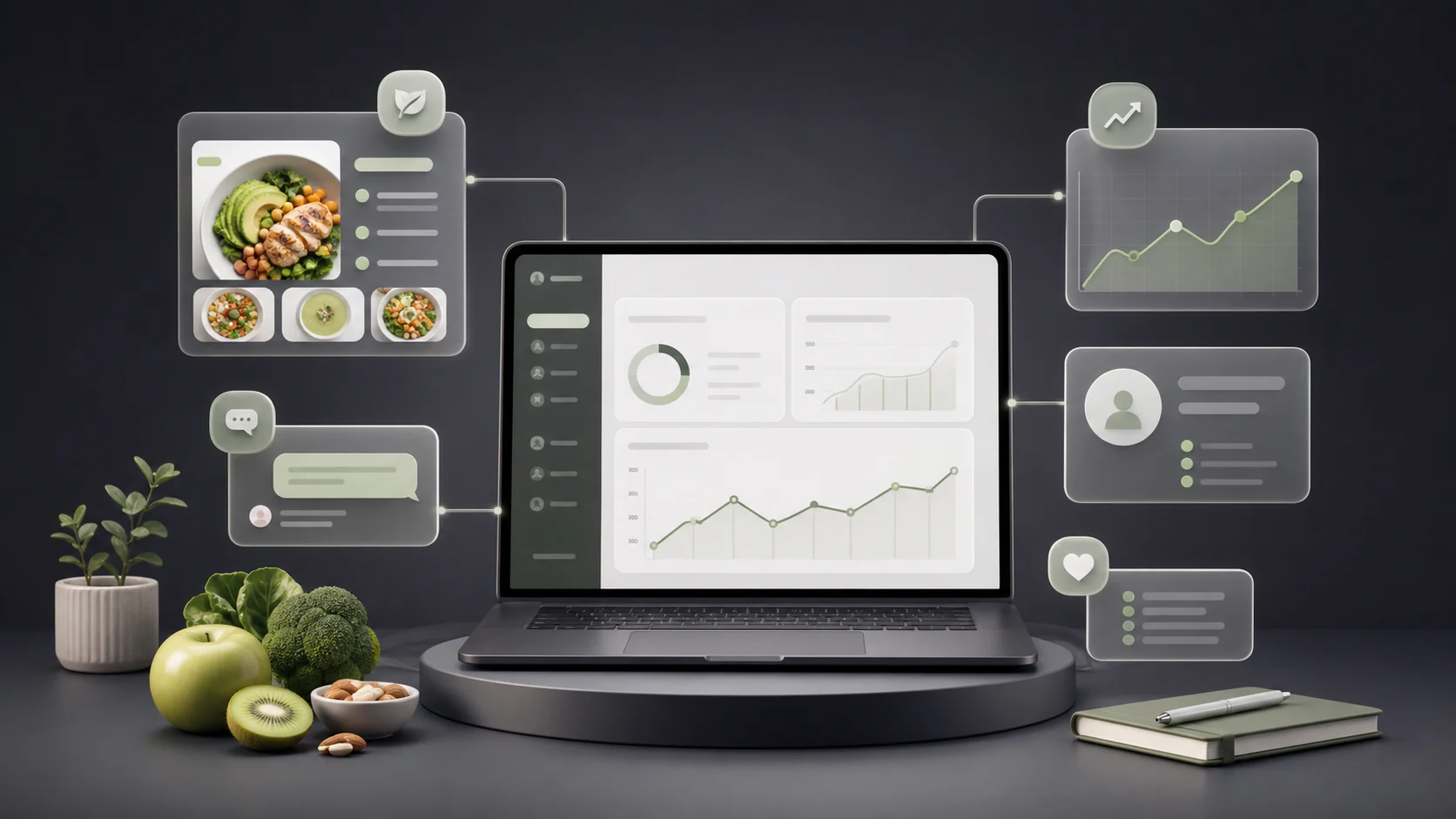
Running a successful nutrition practice takes much more than writing meal plans. Dietitians must collect health information, set nutrition targets, monitor food logs, answer patient questions, review progress, prepare reports, and notice when someone is beginning to disengage.
When those tasks are spread across spreadsheets, email threads, messaging apps, PDFs, and paper notes, even a well-organized practitioner can lose valuable time. Important information becomes difficult to find, patients receive outdated documents, and follow-up work often depends on memory.
A connected nutrition practice management platform offers a better approach. It brings the daily work of nutrition care into one organized system, helping practitioners spend less time managing scattered information and more time supporting patients.
For solo dietitians, this can make a small practice easier to operate. For growing clinics, it can create a consistent workflow across multiple practitioners. Most importantly, it can help patients stay connected to their care plan between appointments.
A digital nutrition practice platform is software designed to organize the clinical and operational work of dietitians, nutritionists, and nutrition clinics.
Depending on the platform, it may include:
The purpose isn’t simply to replace paper with digital files. A useful platform connects information so that practitioners can understand what is happening across the entire patient journey.
For example, a meal plan shouldn’t live in one file while food logs sit in another app and follow-up messages remain buried in a chat thread. When these activities are connected, the practitioner can review the plan, compare it with patient behavior, identify a problem, and take action from one place.
General clinic systems often focus on scheduling, billing, documentation, or insurance workflows. These functions can be valuable, but they may not address the daily realities of nutrition care.
Dietitians commonly need specialized tools for:
MealCircle is positioned around these nutrition-specific workflows. Its nutrition practice management software brings plans, food logs, check-ins, messages, progress data, and retention signals together in one connected care record.
A connected platform may benefit:
The right system will depend on the practice model. A solo practitioner may value speed and simplicity, while a larger clinic may need patient assignment, shared templates, role-based access, and organization-wide reporting.
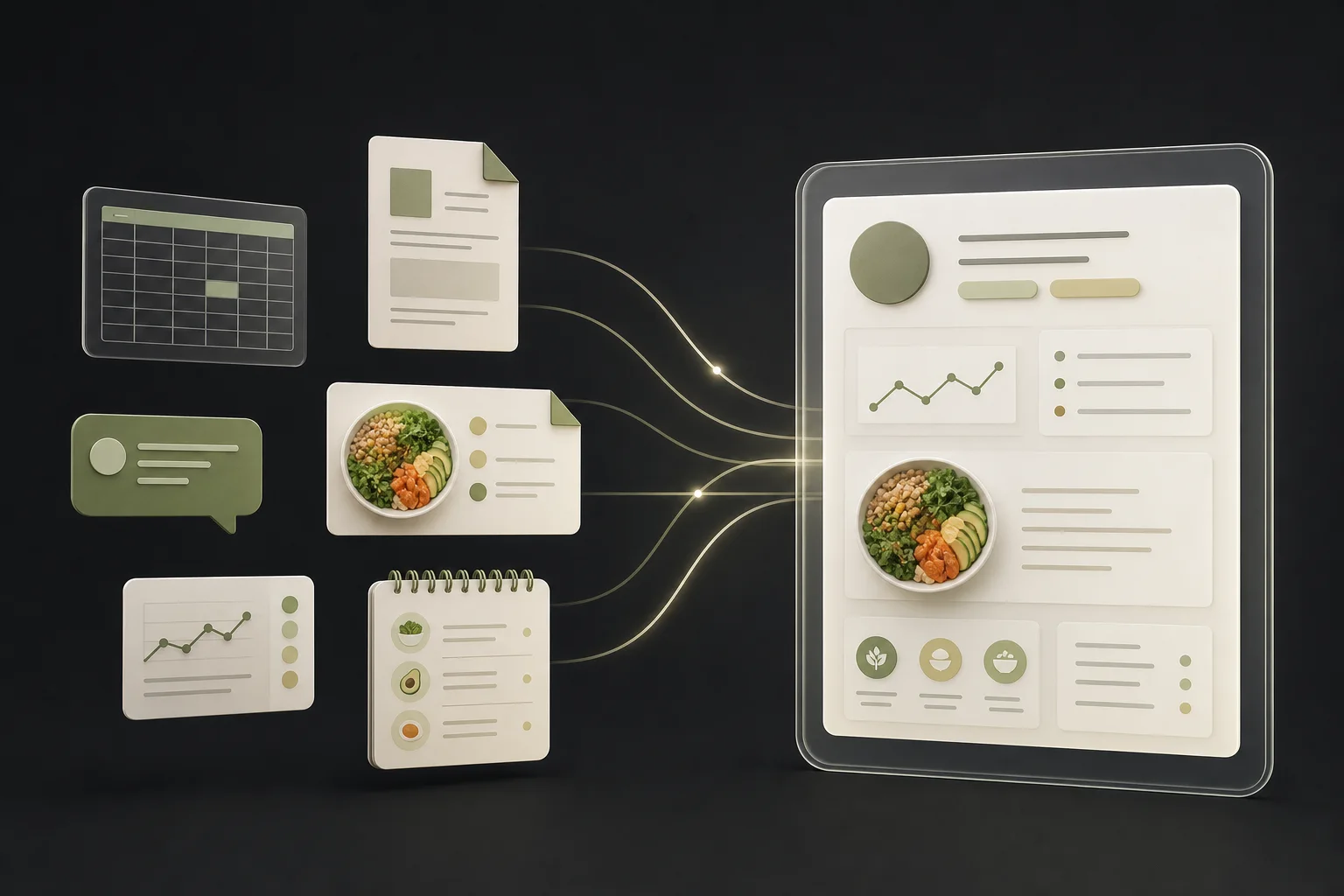
Spreadsheets and documents are familiar, inexpensive, and flexible. They may work well when a practitioner has only a few patients. Problems often appear as the caseload grows. Our guide to why spreadsheets become difficult to manage in a nutrition practice explores that transition in more detail.
A meal plan may be created in a document, exported as a PDF, emailed to the patient, and later updated in a separate file. The patient may continue using the old version. Food logs may arrive through messages, while body measurements are kept in a spreadsheet. Before the next appointment, the dietitian has to gather all that information manually.
This process creates friction for both the practitioner and the patient.
The direct cost of a spreadsheet may be low, but the indirect cost can be high. Repeated data entry, file searching, manual calculations, follow-up reminders, and report preparation all consume time.
Even a few extra minutes per patient can become several hours across a full caseload.
Disconnected systems make it easier to:
The result isn’t always a major error. More often, it is a steady collection of small delays that make the workday longer and less predictable.
Traditional documents show what the practitioner recommended. They don’t always show what the patient is doing.
A patient may stop logging meals, eat far below a recommended target, miss several check-ins, or quietly lose motivation. Without a connected monitoring system, the practitioner may not discover the problem until the next appointment—or after the patient cancels.
Digital intake forms can collect medical history, dietary preferences, goals, allergies, measurements, and lifestyle details before the first consultation.
This gives the practitioner more time to review the case and prepare useful questions. It also reduces the need to copy information from emails or paper forms into a separate record.
A well-designed intake process can make the first appointment feel more focused and professional.
Creating personalized meal plans can involve calorie calculations, macronutrient targets, meal timing, food selection, portion adjustment, and dietary restrictions.
Specialized software can reduce manual work by providing:
MealCircle’s meal-planning software for dietitians supports auto-suggested energy targets, live macro calculations, reusable templates, food search, portion adjustment, and direct publishing to a patient app.
Templates can be especially valuable. A practitioner might create starting frameworks for weight management, sports performance, diabetes support, or bariatric care, then personalize each plan based on the patient’s needs.
A meal plan is only useful when the practitioner can understand how the patient is responding to it.
Connected food logs and adherence data can help answer questions such as:
The purpose isn’t to watch or judge every food choice. It is to identify patterns that can guide supportive, practical conversations.
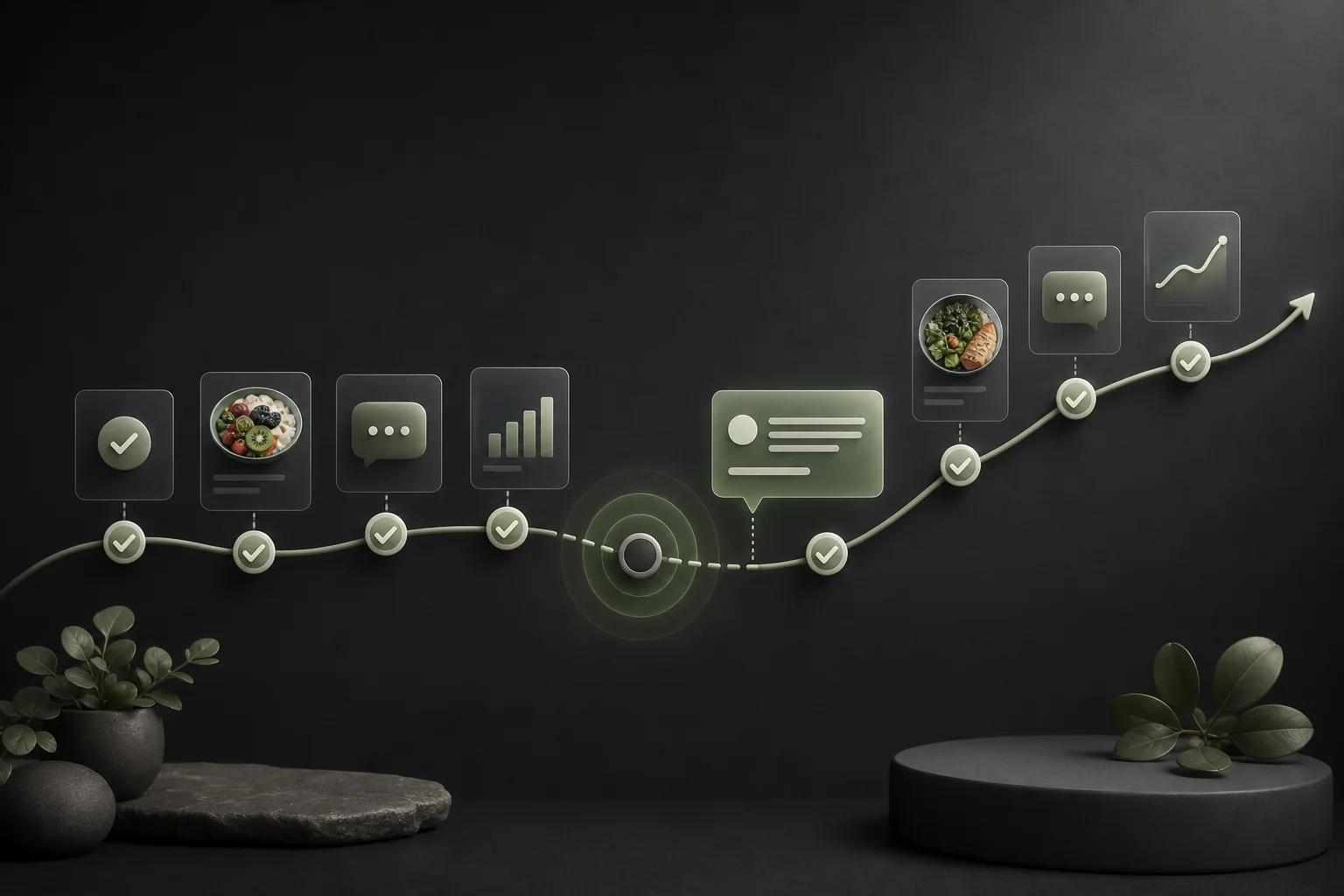
A patient rarely becomes disengaged in a single moment. Drop-off often begins with smaller signs: missed logs, delayed replies, incomplete check-ins, or a plan that is about to expire.
A system with engagement signals can bring these changes to the practitioner’s attention earlier.
MealCircle’s client retention software for dietitians monitors events such as missed logging, calorie deviation, plan expiry, biometric thresholds, and progress milestones. Its retention board presents the signal behind each alert so practitioners can decide who needs attention.
An alert doesn’t replace professional judgment. It simply helps the practitioner direct attention where it may be needed most.
Nutrition care often involves frequent, small conversations:
When these conversations happen through personal messaging accounts, email, and several other channels, the care history becomes fragmented.
Centralized communication keeps messages connected to the patient record. This can make follow-up easier and reduce the risk of losing important context. A dedicated dietitian client portal also gives patients one consistent place to find plans, logs, check-ins, and messages.
Patients may not always notice gradual improvement. A progress report can turn weeks of effort into a visible story.
Useful reports may include:
The Academy of Nutrition and Dietetics identifies monitoring and evaluation as the fourth step of the Nutrition Care Process. During this step, practitioners compare relevant indicators with carefully selected criteria and use the results to support reassessment.
Good reporting supports this process while also helping patients understand the value of continued care.
Patients are more likely to use a system that feels simple.
A patient app can provide one reliable place to:
This is usually easier than searching an inbox for an old PDF or trying to remember which messaging thread contains the latest instructions.
Convenience doesn’t guarantee adherence, but unnecessary friction can certainly weaken it.
Patients are more likely to remain engaged when they can see progress, receive timely support, and understand what happens next.
Retention isn’t only a business metric. In ongoing nutrition care, continuity gives the practitioner more opportunities to monitor outcomes, adjust interventions, support behavior change, and help the patient work through setbacks.
A platform can support retention by revealing disengagement signals, keeping plans accessible, simplifying follow-up, and producing progress reports that show how care is developing.
In a multi-provider clinic, patient information must be available to the right people without becoming visible to everyone.
Important capabilities may include:
MealCircle’s nutrition clinic software supports role-based access, practitioner assignments, shared templates, multi-provider dashboards, and aggregate outcome reporting.
These tools can help a clinic create consistent systems while allowing each practitioner to make individual clinical decisions.
A growing practice may struggle when every practitioner follows a completely different process.
Shared templates, standard intake forms, defined follow-up steps, and common reporting formats can improve consistency. They can also make practitioner onboarding easier.
Consistency doesn’t mean treating every patient the same. It means creating a reliable structure for collecting information, planning care, monitoring progress, and documenting important actions.
Automation should remove repetitive administration, not replace the practitioner.
When calculations, reports, reminders, and routine organization require less manual effort, dietitians can spend more time on work that depends on professional skill:
That is where a digital platform delivers its greatest value.
Not every platform will suit every practice. Before choosing one, evaluate the complete workflow rather than focusing on a single attractive feature.
Look for patient profiles that keep important information organized and easy to review.
The record may need to include:
The system should make the current situation clear without forcing the practitioner to open many different screens.
Meal-planning tools should support the level of precision required by the practice.
Useful capabilities may include:
The best option is the one that fits the practitioner’s actual planning style.
Food logging should be easy enough for patients to use consistently. Biometric tracking should support the measurements relevant to the practice.
These might include weight, waist circumference, body-fat percentage, blood pressure, or blood glucose.
More data isn’t always better. Practitioners should select measurements that are clinically appropriate and meaningful for the individual patient.
Look for tools that help turn information into action.
A useful alert should explain:
A large number of vague notifications can create alert fatigue. Specific, prioritized signals are more useful than constant noise.
Solo practitioners may need clear patient reports, while clinic owners may also want information about:
Clinic-level reporting can help leaders find workflow problems and support practitioners before small issues become larger ones.
Health information deserves careful protection. At a minimum, buyers should ask about:
Security shouldn’t be treated as a decorative badge. It should be part of the platform’s design and the practice’s daily procedures.
The Academy of Nutrition and Dietetics describes the Nutrition Care Process as four connected steps: assessment and reassessment, nutrition diagnosis, nutrition intervention, and nutrition monitoring and evaluation.
Technology can support this process by keeping relevant information structured and available throughout the care cycle.
Digital intake, health history, food records, and measurements can support the collection and review of assessment information.
The Academy notes that assessment data is used throughout the remaining steps of the care process and may provide reasons for reassessment or a change in the intervention.
A connected platform can store goals, meal plans, education materials, and other practitioner-directed actions in the same patient record.
When plans are published directly to the patient, updates can become available without emailing a replacement document.
Food logs, biometric trends, adherence patterns, check-ins, and progress reports can help the practitioner compare outcomes with selected goals.
The platform organizes the information, but the practitioner still decides what the results mean and whether the care plan should change.
Most of the patient’s decisions happen outside the consultation room.
They happen at breakfast, in the grocery store, during a busy workday, at a restaurant, or late in the evening when motivation is low.
A strong digital workflow keeps the care plan present during those moments without requiring the practitioner to be available every minute.
A patient app can serve as the practical connection between the consultation and daily behavior. If you are evaluating that part of the workflow, start with what a nutrition patient portal should do.
The latest plan should be available without searching through downloads, attachments, or old messages.
When the practitioner updates the plan, the patient should clearly see the current version.
Patients are more likely to complete a check-in or record a meal when the process is simple. Each unnecessary step increases the chance that the task will be postponed or forgotten.
Traditional software often tells practitioners what has already happened. Retention-focused systems try to identify patterns that may require attention before the patient completely disengages. That distinction matters because nutrition clients rarely stop logging all at once.
Possible signs include:
Each signal needs context. A missed log doesn’t automatically mean a patient is leaving. However, several changes together may justify a supportive check-in.
A useful workflow connects the signal with a clear next step.
For example:
| Signal | Possible practitioner action |
|---|---|
| No logging for 48 hours | Send a brief check-in |
| Intake repeatedly below target | Review the log and ask about barriers |
| Plan nearing expiry | Prepare the next plan |
| Goal milestone reached | Send recognition and update goals |
| Measurement outside expected range | Review the patient record and follow clinical procedures |
The practitioner remains responsible for deciding whether and how to act.
A solo practitioner should prioritize simplicity, value, and time savings.
Before subscribing, consider:
Avoid buying a complicated enterprise system simply because it has the longest feature list. A lighter, nutrition-focused platform may fit the workflow better.
Clinics have additional concerns because several people may access the system.
Practitioners should see the patients assigned to them. Administrators may require a broader view, while support staff may need limited access.
Clear roles reduce confusion and support appropriate handling of patient information.
Shared templates can help clinics standardize common workflows. Organization-level reporting can reveal differences in caseload, engagement, follow-up, and outcomes.
The goal isn’t to rank practitioners unfairly. It is to help clinic leaders understand where support, training, or workflow changes may be needed.
The U.S. Department of Health and Human Services explains that the HIPAA Security Rule establishes standards for protecting electronic protected health information through administrative, physical, and technical safeguards.
Whether a particular practice or vendor is subject to HIPAA depends on its role and circumstances. Practitioners should obtain qualified legal or compliance guidance rather than relying only on marketing claims.
Security involves more than encryption.
It may also involve:
HHS describes risk analysis as a foundational part of the Security Rule’s security-management process.
Ask potential vendors:
Clear answers are more valuable than a simple “secure” label.
Migration doesn’t have to happen all at once. A staged approach can help a practice digitize without losing the human side of care.
Map each stage of the patient journey:
Mark every place where information is copied, delayed, or difficult to find.
Before importing information:
A clean starting point makes adoption easier.
Begin with a few suitable patients. Test the intake, plan-publishing, logging, messaging, and reporting workflow.
Gather feedback, improve instructions, and then move the rest of the caseload in stages.
Practices often make avoidable errors when selecting or introducing new software.
Common mistakes include:
Technology works best when it supports a clear, thoughtful process.
MealCircle is built as a connected operating layer for nutrition professionals and clinics. Rather than focusing only on documents, it combines planning, monitoring, communication, progress reporting, and retention workflows in one patient record. For a broader market view, compare the best nutrition software for dietitians against your own workflow.
Practitioners can set nutrition targets, build meal slots, search foods, adjust portions, reuse templates, and publish plans directly to the patient app.
MealCircle’s retention board and smart alerts are designed to highlight changes such as missed logging, plan non-adherence, upcoming plan expiry, biometric thresholds, and goal milestones. Practices can also use the client retention calculator to estimate the business impact of avoidable client drop-off.
The platform also supports biometric trends, engagement information, patient-level reports, practitioner views, and organization-level analytics for multi-provider clinics.
For practices that need full insurance billing, e-prescribing, or broad EHR functionality, a different or additional system may be necessary. MealCircle openly positions itself around nutrition plans, the patient app, monitoring, communication, and retention rather than every possible medical-administration function.
Dietitians may use general clinic platforms, electronic health records, meal-planning tools, food-analysis applications, communication systems, or specialized nutrition platforms. The best choice depends on whether the practitioner needs billing, charting, meal planning, patient logging, progress monitoring, team management, or a combination of these functions.
It can replace many spreadsheet-based tasks, including client lists, nutrition targets, measurement tracking, plan status, and basic reporting. Some practices may still use spreadsheets for specialized financial or business analysis.
No. Meal-planning software primarily helps create nutrition plans. A broader practice platform may also include patient records, intake, communication, monitoring, progress reports, alerts, team controls, and clinic analytics.
A patient app keeps the current plan, logging tools, check-ins, measurements, and practitioner messages in one accessible location. This can reduce confusion and make participation easier between appointments.
No platform can guarantee retention. However, software can reveal missed logs, declining engagement, expiring plans, and other signals earlier. The practitioner can then use professional judgment to provide timely support.
A solo dietitian should first evaluate ease of use, meal-plan efficiency, patient adoption, communication, progress reporting, data protection, pricing, and the ability to export information.
Clinics should consider patient assignment, role-based access, shared templates, practitioner dashboards, audit history, organization-level analytics, scalable pricing, and controlled data access.
No. A technology provider may supply important safeguards, but the practice also has responsibilities related to policies, staff behavior, account access, devices, risk management, and appropriate use of patient information. Practices should seek qualified compliance guidance for their circumstances.
Modern nutrition care requires more than delivering a plan and waiting for the next appointment. Practitioners need a reliable way to understand what happens between visits, communicate with patients, monitor meaningful changes, and adjust care when needed.
A connected platform can reduce administrative work, make plans easier to access, improve visibility across the patient journey, and help practices act before small engagement problems become larger ones.
The right system won’t replace the knowledge, judgment, or empathy of a skilled dietitian. It will give that practitioner a clearer, more organized way to apply those strengths.
For dietitians and clinics seeking a nutrition-focused platform that combines clinical meal planning, patient engagement, progress monitoring, and retention intelligence, MealCircle offers a focused alternative to scattered documents and disconnected apps. You can start free or book a walkthrough to see how the workflow fits your practice.
A transparent five-level framework for dietitians to prioritize follow-ups using urgency, care-plan timing, observable changes, barriers, and practitioner review.
Read →A practical 10-minute food-log review checklist for dietitians: verify the record, scan safety, find patterns, identify barriers, and prepare the next question.
Read →Food logs and meal photos can be PHI in a dietitian's care workflow. Learn when HIPAA applies, when it may not, and what to check before choosing an app.
Read →See how MealCircle connects plans, patient activity, and follow-up without adding another disconnected tool.