Meal Planning · 4 min read
Free Meal Plan Template for Dietitians: What to Include
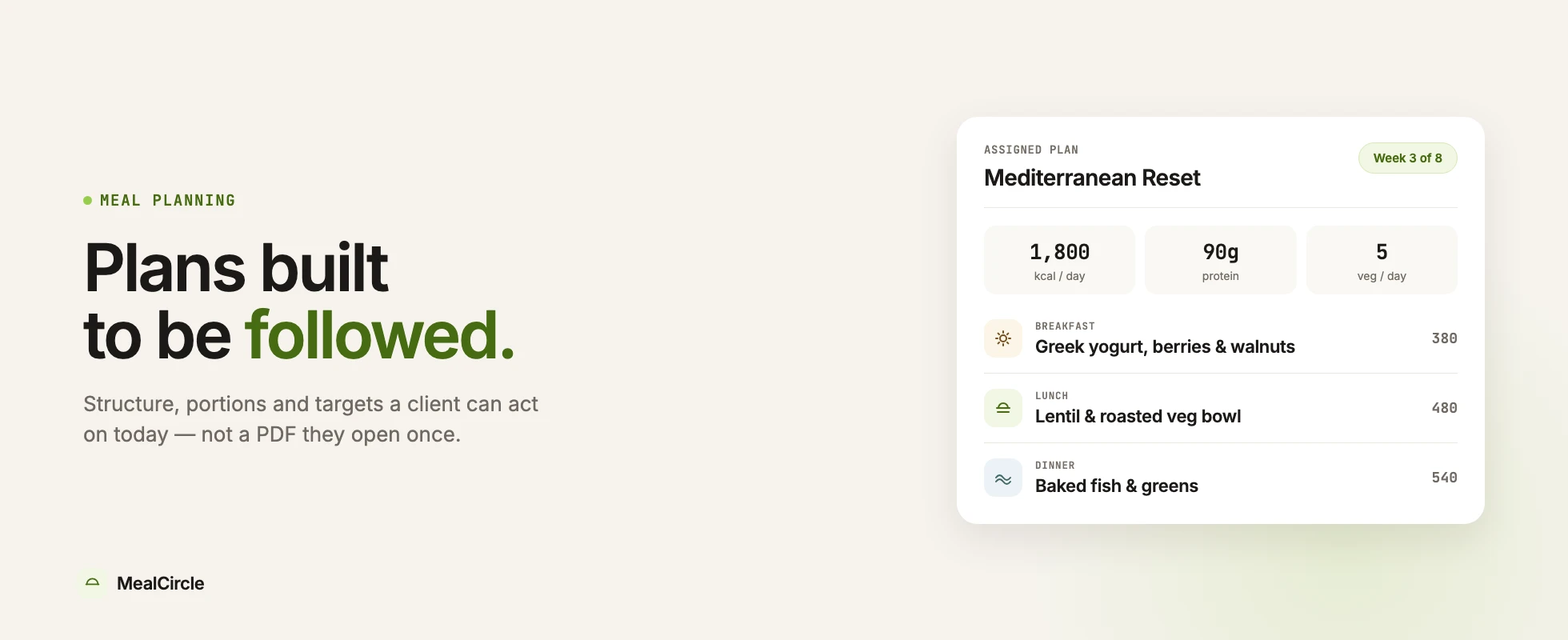
A meal plan template can save your week.
It gives you structure. It keeps your recommendations consistent. It prevents the blank-page feeling that shows up when you are building your fourth plan of the day and your coffee has stopped negotiating. If you are curious how much of that time a template can actually save, see how long it takes to make a meal plan.
But a template is only useful if it supports real client care. A beautiful meal plan that does not fit the client’s life will still be ignored.
Here is what to include in a practical dietitian meal plan template, plus when it is time to move beyond static files.
Start with the details that change the plan:
This section keeps the plan grounded. Without it, templates drift toward generic advice.
A simple daily layout usually works best:
Try not to make the page so dense that the client needs a second appointment just to understand it. If the plan is hard to read, adherence starts losing before the first grocery trip.
Clients need room to live.
Instead of making every meal feel locked, include swaps:
This is where your expertise shows. A template can say “chicken bowl.” A dietitian can explain what makes the bowl work and how to adapt it when the client’s day changes.
Clients are more likely to follow a plan when the next action is obvious.
Add a short grocery list and prep section. Keep it practical: what to buy, what to batch, what to keep on hand, and what to do when time is tight.
Templates are great for:
They help you move faster without making every plan from nothing.
Templates start to struggle when:
At that point, the issue is not the template. The issue is that the template has become the center of a workflow it was never designed to carry.
A meal plan should not be a static document. With a proper meal plan builder, it becomes part of a care loop:
That is why many practices eventually move to meal planning software for dietitians. Software does not replace your judgment. It gives your judgment a cleaner system to work inside.
Use this structure as a starting point:
Write one plain-language outcome.
Example: “Improve weekday breakfast consistency and reduce skipped lunches.”
List meals by day, but keep room for flexible swaps.
Add options for common barriers: time, taste, cost, travel, family meals, and leftovers.
Group by produce, protein, pantry, dairy or alternatives, frozen, and extras.
Give two or three actions, not a long chore list.
Ask:
Those questions turn a template into a conversation.
A meal plan template is a helpful beginning. It is not the whole practice.
Use templates to create structure. Use your follow-up process to create progress. When the system starts feeling too manual, it may be time to let software handle the repetitive parts so you can focus on the client.
A strong meal plan template should include meals, snacks, portion guidance, substitutions, grocery notes, prep instructions, hydration reminders, client preferences, and follow-up notes.
Templates can be helpful starting points, but they should be personalized to the client’s goals, culture, schedule, preferences, health needs, and follow-up feedback.
Move to software when templates become hard to personalize, update, track, or connect to food logs, grocery lists, client communication, and ongoing follow-up.
Learn what calorie, macro, protein, and nutrition calculators can estimate, where they fall short, and when a dietitian meal plan is a better fit.
Read →Foodzilla vs NutriAdmin in 2026: compare meal planning, client portals, food logging, practice tools, HIPAA options, and current pricing.
Read →A practical pricing guide for dietitians selling meal plans, packages, plan updates, and ongoing nutrition support.
Read →See how MealCircle connects plans, patient activity, and follow-up without adding another disconnected tool.